Author name: Hunter Nielsen

Hunter Nielsen is a prolific technology writer and content creator with a passion for simplifying complex technical concepts for a broader audience. With a keen interest in computing and a background in IT, Hunter has dedicated his career to providing clear, step-by-step guides and tutorials that help users navigate the often intricate world of technology. Hunter has extensive experience in writing about various aspects of technology, particularly in the realm of operating systems and bootable media. His work is well-regarded for its depth of knowledge and practical approach, making advanced technical processes accessible even to those with limited technical expertise.

How to Determine and Configure MBR or GPT Partition Scheme for Bootable USB Drive Using Rufus

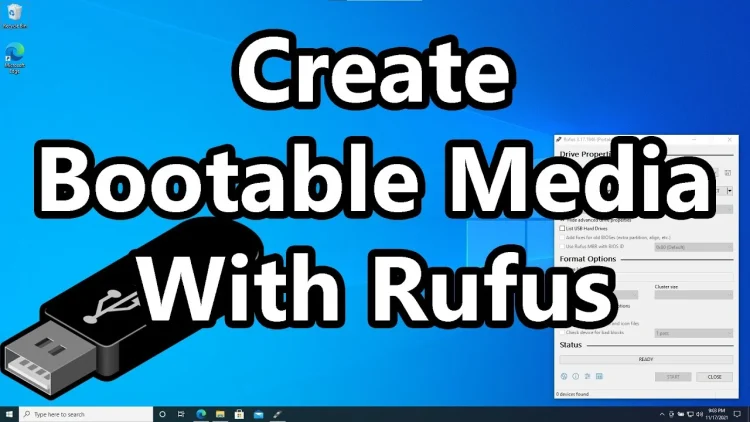
When booting a pen drive, it’s crucial to understand whether it uses the Master Boot Record (MBR) or GUID Partition Table (GPT) format. This distinction is essential to avoid potential data loss or boot errors. In this tutorial, we’ll guide you through the process using Rufus bootmaker, ensuring a smooth and error-free experience. We’ll demonstrate […]

How to Determine and Configure MBR or GPT Partition Scheme for Bootable USB Drive Using Rufus Read More »

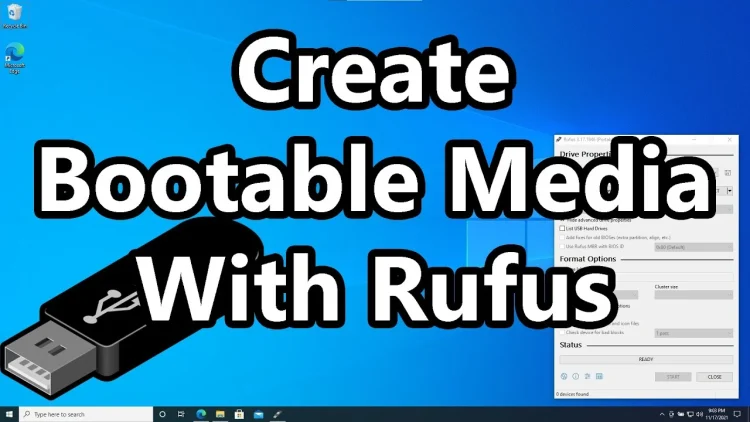
How to Create a Rufus Bootable USB for Windows 10: Step-by-Step Guide

I’m going to walk you through the steps of setting up a Windows 10 bootable USB stick. It just takes a couple of steps, and we’re going to be using a tool called Rufus, so let’s get to it. Prerequisites: USB Stick. Prepare a USB flash drive with sufficient storage capacity to accommodate the Windows 10

How to Create a Rufus Bootable USB for Windows 10: Step-by-Step Guide Read More »

Create Windows 7,8,10 bootable USB without formatting manually

Create Windows 7,8,10 bootable USB without formatting manually

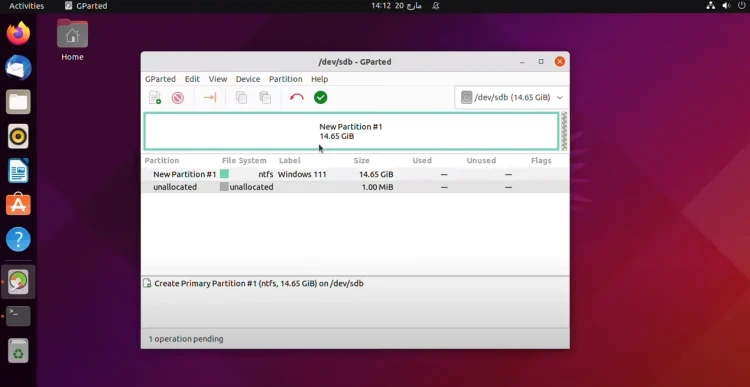
This task will take some time, but the result is worth it! You’ll get your own Windows bootable USB flash drive using only the system utilities and archiver manually! Prerequisites Distribution To get started you need to have one of Windows distributions: Windows Installation dvd or Windows ISO file If you currently do not have any of them,

Create Windows 7,8,10 bootable USB without formatting manually Read More »

Windows 7,8,10 installation USB without formatting manually guide

Windows 7,8,10 installation USB without formatting manually guide

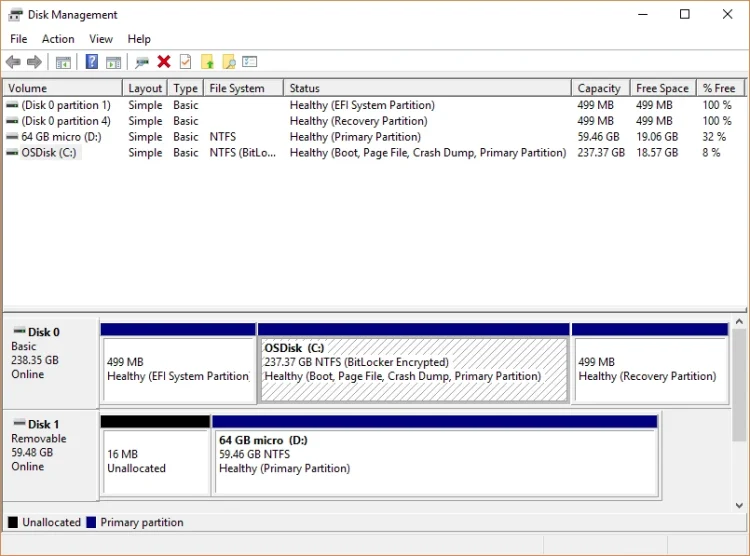
This task will take some time, but the result is worth it! You’ll get your own Windows bootable USB flash drive using only the system utilities and archiver manually! Prerequisites Distribution To get started you need to have one of Windows distributions: Windows Installation DVD Windows ISO file If you currently do not have any

Windows 7,8,10 installation USB without formatting manually guide Read More »

Scroll to Top